Welcome to RightStockAI
RightStockAI is a research platform for Indian market users who want structured stock analysis, AI-assisted interpretation, chart context, portfolio tools, and clear access guidance.
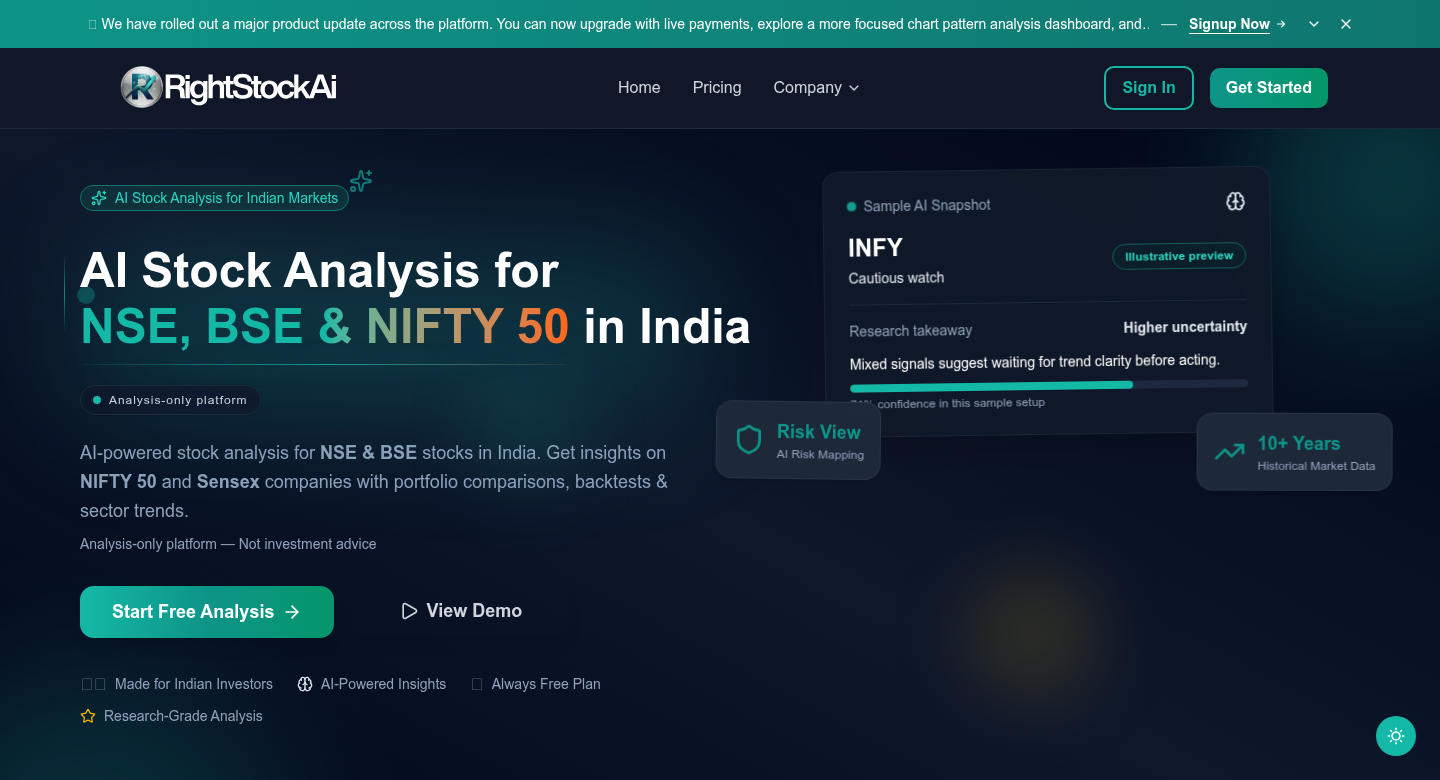 Current RightStockAI public homepage and entry point.
Use the product in three practical steps
Choose a stock or portfolio
Start from Markets, Stocks, Watchlist, Reports, Smart AI Picks, or Portfolio depending on what you are researching.
Open the right workflow
Use Traditional Analysis, Advanced AI Analysis, Smart AI Analysis, AI News, or Chart Pattern Analysis based on the question you need answered.
Read risk before action
Check confidence, report age, supporting points, caution points, plan access state, and portfolio exposure before relying on any output.
What RightStockAI Helps With
AI-assisted stock research
- Basic AI Analysis for a fast first read.
- Advanced AI Analysis for deeper stock context.
- Smart AI Analysis for blended Traditional, AI Predictive, and Sentiment signals.
- AI News Analysis for recent sentiment, catalysts, and risk events.
Traditional research context
- Fundamentals and valuation context.
- Technical indicators and price structure.
- Risk metrics, recommendation labels, and supporting reasons.
- Comparison against AI-assisted outputs.
Portfolio and monitoring tools
- Portfolio upload and holdings management.
- Portfolio-level Traditional and AI analysis workflows.
- Watchlists for stocks you are tracking but do not own.
- Charts for price review and report freshness checks.
One report can be useful, but conflicts are often more important than agreement. When Traditional, AI, Sentiment, News, and Chart Pattern views disagree, read the caution points before forming a view.
Built For Indian Market Research
RightStockAI focuses on Indian equity market research and user workflows around supported NSE/BSE stocks, indices, portfolios, watchlists, and analysis reports.
| Area | What to use |
|---|---|
| Market day context | Markets |
| One-stock research | Stock detail, Traditional Analysis, Advanced AI Analysis, Smart AI Analysis |
| News and catalysts | AI News Analysis |
| Chart setup review | Chart Pattern Analysis and Charts |
| Idea discovery | Stock Research Reports and Smart AI Picks |
| Holdings review | Portfolio and Portfolio Analysis |
Who This Wiki Is For
New users
Use the getting-started pages to learn account setup, dashboard navigation, and your first analysis flow.
Active researchers
Use the feature guides to compare Traditional, AI, Smart AI, Chart Pattern, Reports, Picks, and AI News workflows.
Portfolio users
Use portfolio docs to understand holdings, upload, allocation, saved reports, fresh runs, and cooldowns.
Support users
Use FAQ, troubleshooting, public pages, and policy guides when something is unclear or inaccessible.
Important: Research Support, Not Personal Advice
RightStockAI does not place trades or replace your judgment.
Recommendation labels, confidence scores, chart patterns, targets, and AI summaries are research context. They are not personalized financial advice and do not guarantee returns.
RightStockAI can help you
- Read structured stock and portfolio reports.
- Compare AI-assisted and traditional views.
- Understand risks, confidence, and report age.
- Monitor stocks through watchlists and charts.
RightStockAI does not
- Tell you what to buy or sell.
- Guarantee accuracy or returns.
- Know your full personal financial situation.
- Replace independent research or professional advice.
Quick Start Guide
- Create your account or sign in with your existing email.
- Open Dashboard Overview to understand the signed-in layout.
- Read Your First Analysis before generating reports.
- Open Tools and Terms if any report label is unclear.
- Use Plans and Access if a page shows preview, locked, limit, or cooldown states.
Core Product Areas
Stock Search and Analysis
- Search supported stocks.
- Open stock detail pages.
- Compare Traditional, Advanced AI, and Smart AI workflows.
- Check charts, news, confidence, recommendation, and report age.
Portfolio Management
- Create or upload portfolios.
- Add holdings with purchase details.
- Review allocation and performance context.
- Open portfolio-level analysis reports when available.
Reports, Patterns, and Picks
- Browse Stock Research Reports.
- Understand Smart AI Picks as a curated discovery surface.
- Use Chart Pattern Analysis for pattern confidence, key levels, and invalidation context.
- Treat previews and saved reports as different access states.
Security, Privacy, And Public Policies
Your account, support, privacy, and legal questions are handled through the RightStockAI website and app.
Useful public pages:
See Public Pages and Policies for a full explanation.
Pricing And Plans
RightStockAI plan names, prices, offers, and included limits can change over time.
This documentation explains what plan terms mean, but it does not copy live pricing numbers because copied price tables can become stale.
Use these links:
- Live RightStockAI Pricing - current prices, offers, and plan comparison.
- Plans and Access - plain-language explanation of access states, previews, limits, cooldowns, saved reports, and upgrades.
Need Help?
Troubleshooting
Use troubleshooting when login, upload, reports, or page access does not work as expected.
Public Contact
Use Contact Us when you cannot sign in or need support before account access.
Use docs for learning. Use RightStockAI for account actions.
Open the app when you want to sign up, check pricing, manage your plan, or contact support.